

Cancel & Delete Manager - All Documents
Free
by CPA Books ERP
Versions:
14.0
You bought this module and need support? Click here
CPA BOOKS ERP / DOCUMENT CONTROL / ODOO 14 / FREE
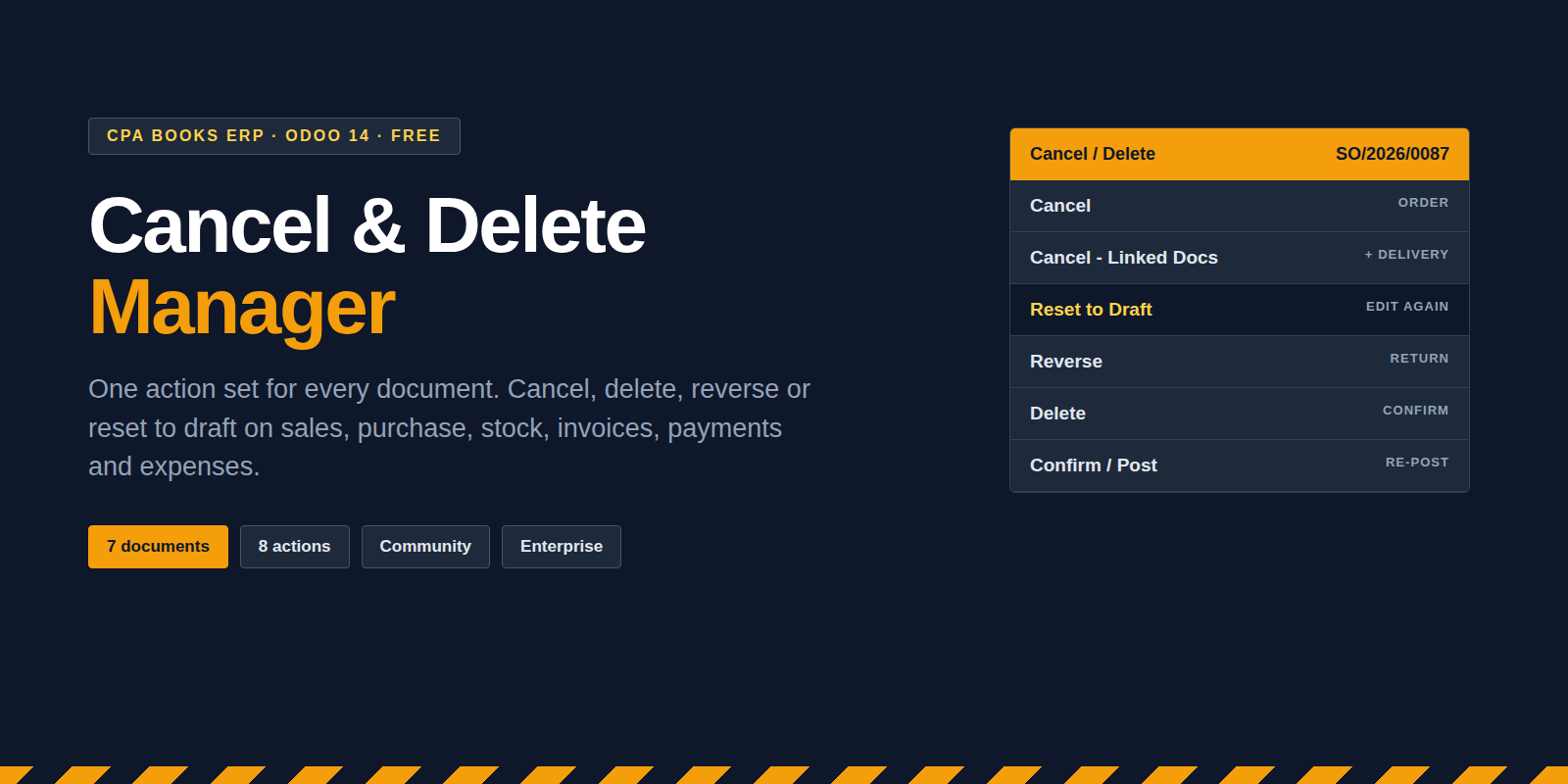
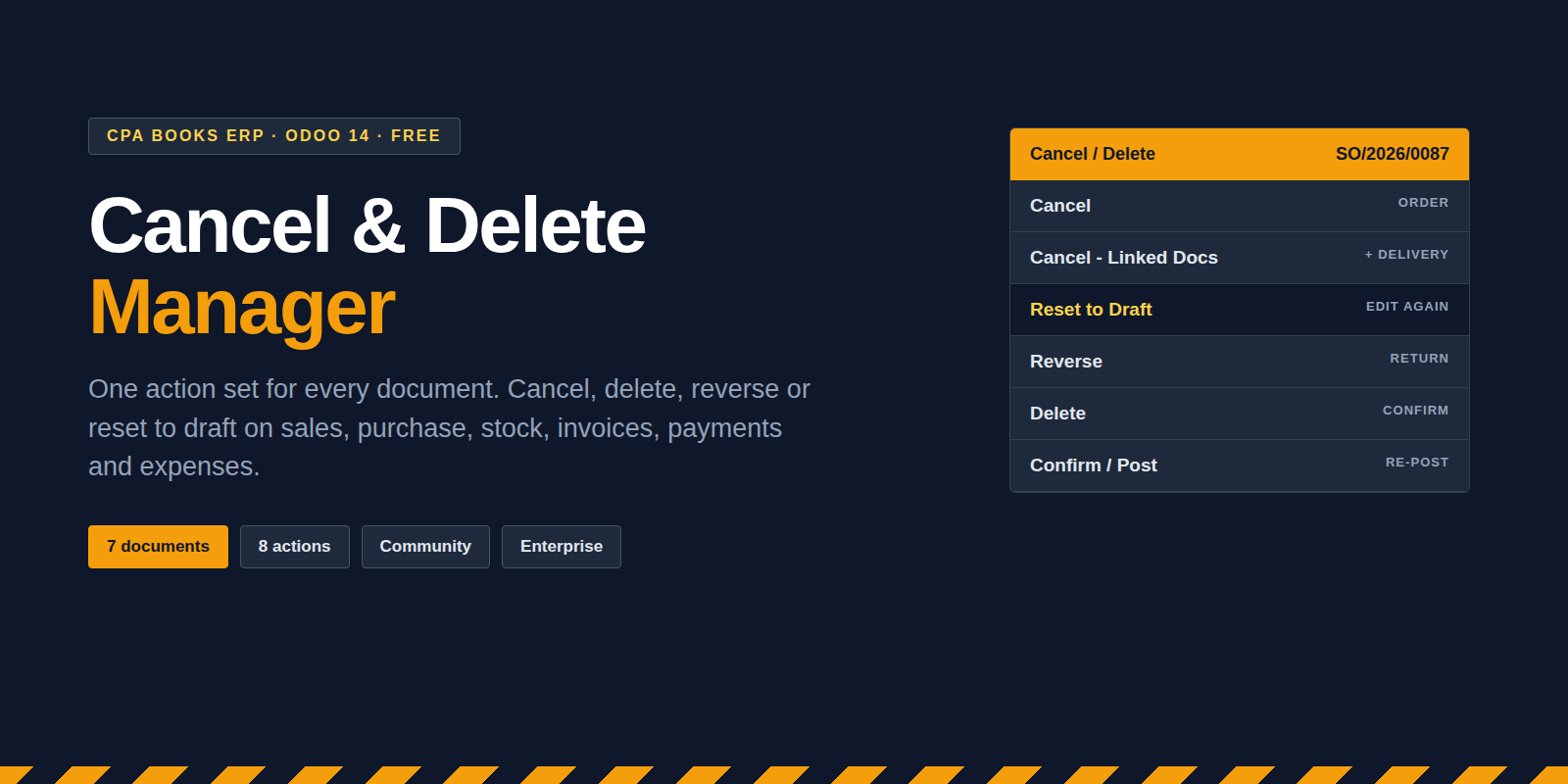
Cancel & Delete
Manager
Move any document back, sideways or out of the books from one menu. Sales, purchase, transfers, invoices, payments, inventory adjustments and expenses follow the same eight actions.
See real scenarios Live Demo
FREE license
Community + Enterprise
Multi-company
DOCUMENT LIFECYCLE · INV/2026/0142
| Draft | ← Reset to Draft |
| Posted | → Confirm / Post · ↺ Reverse |
| Cancelled | ↓ Cancel · Lines · Linked Docs |
| Removed | × Delete · Linked Docs |
Matched payments are released first. Every step is written to the chatter.
Six things that go wrong every month
And the one action that fixes each of them.
CASE 01 · INVOICE
Posted with the wrong price, already paid
The payment is released from the invoice, the invoice goes back to draft, you correct it and post again.
Reset to Draft → Confirm / Post
CASE 02 · DELIVERY
Validated before the goods left
Reverse opens the standard Odoo return for the done transfer, so stock comes back in one step.
Reverse
CASE 03 · SALES ORDER
Wrong customer, already delivered and invoiced
The order, its deliveries, invoices and payments are cancelled together instead of one by one.
Cancel - Linked Docs
CASE 04 · VENDOR BILL
The same bill was posted twice
After a confirmation step the duplicate is cancelled, unreconciled and removed.
Delete
CASE 05 · JOURNAL ENTRY
The auditor wants a counter-entry, not a deletion
Reverse opens the standard reversal so the original entry stays on record.
Reverse
CASE 06 · PURCHASE ORDER
One line was ordered by mistake
Cancel only the lines and keep the order, its partner and its history.
Cancel - Lines
Action matrix
Every document gets the same eight actions. The list view shows them on the Cancel / Delete button; sales, purchase, transfers and invoices also have them in the form Action menu.
| Document | Cancel | Lines | Linked | Draft | Delete | Delete linked | Reverse | Post | Form menu |
| Sales Order | ■ | ■ | ■ | ■ | ■ | ■ | ■ | ■ | Yes |
| Purchase Order | ■ | ■ | ■ | ■ | ■ | ■ | ■ | ■ | Yes |
| Receipt / Delivery | ■ | ■ | ■ | ■ | ■ | ■ | ■ | ■ | Yes |
| Invoice / Bill / Entry | ■ | ■ | ■ | ■ | ■ | ■ | ■ | ■ | Yes |
| Payment | ■ | ■ | ■ | ■ | ■ | ■ | ■ | ■ | List only |
| Inventory Adjustment | ■ | ■ | ■ | ■ | ■ | ■ | ■ | ■ | List only |
| Expense | ■ | ■ | ■ | ■ | ■ | ■ | ■ | ■ | List only |
Control checklist
[✓] Delete asks for confirmation before anything is removed
[✓] Matched payments are unreconciled before an invoice is reset or cancelled
[✓] Each action is logged in the document chatter
[✓] Actions run in the company of the document
[✓] On invoices, Cancel - Lines zeroes amounts but keeps the rows
Spec sheet
Odoo
14.0 Community & Enterprise
Needs
Sales, Purchase, Inventory, Invoicing, Expenses, Discuss
Technical name
cancel_delete_manager
License
OPL-1 · Free · CPA Books ERP
Before you install
Enterprise needed?
No. It runs on Community and Enterprise with standard apps only.
Who sees the menu?
Every internal user gets the Cancel / Delete Global group on install.
Other cancel apps?
On install it uninstalls these if present: bi_order_cancel_all, dev_picking_cancel, om_mass_confirm_cancel, acc_invoice_payment_cancel_app, bi_inventory_adjustment_cancel_reverse, eq_payslip_cancel, stock_picking_cancel_extended, pos_order_cancel and cpabooks_all_cancel_extend.
Version support · Cancel & Delete Manager
Upgradeable to any Odoo version
Available on Odoo 14 today. Running Odoo 15, 16, 17, 18 or 19? We port it to your version. Message us on WhatsApp or email.
WhatsApp +971 56 256 8128 info.cpabooks@gmail.com| 14.0 | [ LIVE ] |
| 15.0 | on request |
| 16.0 | on request |
| 17.0 | on request |
| 18.0 | on request |
| 19.0 | on request |
# -*- coding: utf-8 -*-
{
    'name': 'Cancel & Delete Manager - All Documents',
    'summary': 'One Cancel / Delete / Reverse / Reset to Draft action set for Sales, Purchase, Delivery, Invoice, Payment, Inventory Adjustment and Expense',
    'description': """
Cancel & Delete Manager
=======================
One consistent action set on Sales Orders, Purchase Orders, Transfers, Invoices
and Bills, Payments, Inventory Adjustments and Expenses: Cancel, Cancel lines,
Cancel linked documents, Delete, Delete linked documents, Reset to Draft,
Reverse and Confirm / Post. Works on Odoo 14 Community and Enterprise.
    """,
    'author': 'CPA Books ERP',
    'website': 'https://cpabookserp.com',
    'live_test_url': 'https://cpabookserp.com/contactus',
    'support': 'info.cpabooks@gmail.com',
    'category': 'Extra Tools',
    'version': '14.0.1.0.0',
    'license': 'OPL-1',
    'price': 0.0,
    'currency': 'USD',
    'images': [
        'static/description/banner.png',
    ],
    'depends': [
        'base',
        'mail',
        'sale',
        'purchase',
        'stock',
        'account',
        'hr_expense',
    ],
    'data': [
        'security/security.xml',
        'security/ir.model.access.csv',
        'wizard/cpa_cd_confirm_wizard_views.xml',
        'views/sale_order_views.xml',
        'views/purchase_order_views.xml',
        'views/stock_picking_views.xml',
        'views/account_move_views.xml',
        'views/account_payment_views.xml',
        'views/stock_inventory_views.xml',
        'views/hr_expense_views.xml',
        'views/server_actions.xml',
        'views/assets.xml',
    ],
    'installable': True,
    'application': False,
    'auto_install': False,
    'post_init_hook': 'post_init_hook',
}