

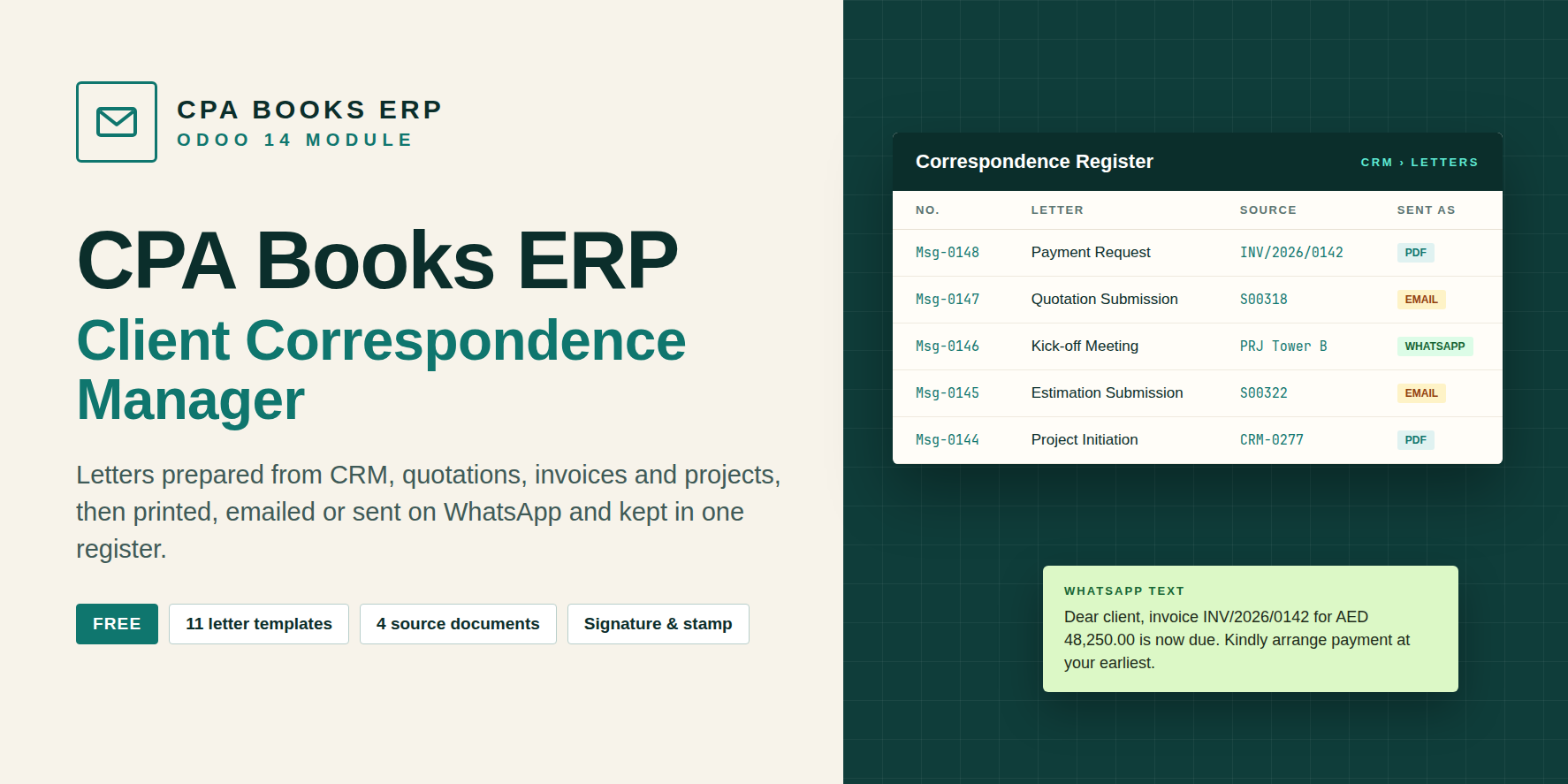
Client Correspondence Manager
You bought this module and need support? Click here

Client Correspondence Manager
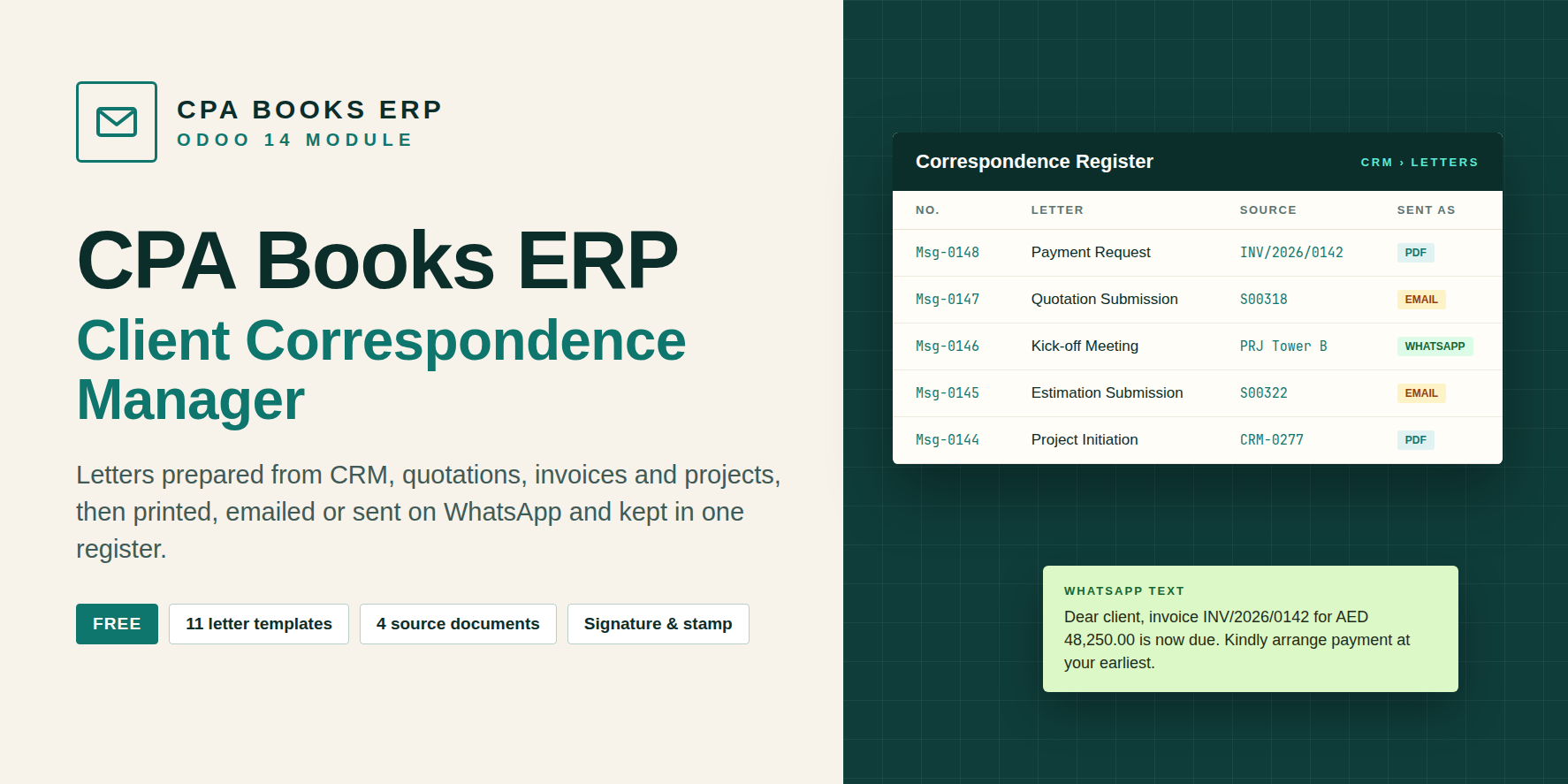
Prepare client letters from the record they are about. The opportunity, quotation, invoice or project supplies the client, references, amounts and scope. Print it, email it, send the WhatsApp text, and keep every letter in a numbered register.
Client letters live outside the ERP
| Usual way | With Client Correspondence Manager |
|---|---|
| Invoice, LPO and quotation numbers typed into Word by hand | Numbers, amounts and client details read from the source record |
| Every person writes the same letter differently | Shared company templates, plus templates users save themselves |
| Sent letters scattered across mailboxes and folders | A numbered register linked back to each source document |
| Separate text rewritten for email and WhatsApp | Letter, email body and WhatsApp text produced together |
What each record fills in
A Send Client Letter button is added to the form header of each document below. The client name, address, phone, email and website come from the customer, or from its parent company when the contact has none.
| Document | Data taken into the letter |
|---|---|
| CRM / Opportunity | Enquiry number, client, related project, opportunity title as scope, next action, notes |
| Quotation | Quotation and CRM numbers, total, payment terms, client LPO / PO, attention, order lines as scope, terms |
| Estimation (optional add-on) | Only with the separate cost estimation add-on: estimate reference, total, payment terms, description, material / labour / overhead breakdown |
| Customer Invoice | Invoice number, origin quotation, CRM number, LPO, total, amount due, payment status, payment terms |
| Project | Project name, linked CRM, contract amount, description, first ten tasks as scope |
11 templates, ready on install
Each template holds a subject, letter body, email body and WhatsApp text. Edit them under CRM › Configuration › Client Letter Templates.
An edited letter can be saved as a new template straight from the wizard.
| Template | Typical use |
|---|---|
| Project Initiation | Open a new project with the client |
| Format Request | Ask the client for formats and data |
| Kick-off Meeting | Invite the client to the kick-off |
| Payment Request | Request payment to start a phase |
| Quotation Submission | Cover letter for a quotation |
| Estimation Submission | Cover letter for a cost estimate |
| Invoice Follow-up | Remind the client about an open invoice |
| Phase Completion | Confirm a phase is finished |
| Scope Clarification | Agree on what is and is not included |
| Approval Request | Ask the client to approve formats |
| Blank Letter | Write any letter from scratch |
From record to register
Open the wizard
Press Send Client Letter on the opportunity, quotation, invoice or project.
Choose the letter type
Subject, letter, email and WhatsApp text are filled with the source data.
Check and adjust
Edit any field or text, add attachments, and press Generate to refresh the letter.
Send and file
Print PDF, email from the source record, or Save Letter to add it to the register.
CRM › Documents / Letters › Letters
■ Every saved letter gets its own number
■ Linked to the source document
■ Letter, email and WhatsApp text on separate tabs
■ Chatter, followers, activities and attachments
Ready to sign and send
■ Printed on the company letterhead
■ Company stamp and user signature when they are set
■ Company taken from the source, so multi-company works
■ Email composer opens on the source record with the email body
Type these into a template. They are replaced with data from the source document when the letter is generated.
{{client_name}} {{attention_to}} {{company_name}} {{letter_date}} {{project_name}} {{crm_number}} {{quotation_number}} {{estimation_number}} {{invoice_number}} {{client_lpo_number}} {{amount_text}} {{due_amount_text}} {{payment_terms}} {{payment_status}} {{source_scope}} {{assumptions}} {{next_action}}
Module
client_correspondence_manager
Odoo
14.0 Community and Enterprise
Requires
CRM, Sales, Invoicing, Project, Discuss. Estimation letters need the separate cost estimation add-on.
License
OPL-1 · CPA Books ERP
Can I write a letter with no source data?
Yes. Pick Blank Letter, or switch off Use Source Defaults, and write freely.
Can users keep their own wording?
Yes. Save as Template stores the edited subject, letter, email and WhatsApp text as a new letter type.
Where is the email sent from?
From the source document, so the email appears in that record's chatter.
Is it really free?
Yes. Setup help and custom templates are available from the CPA Books ERP team.
Upgradeable to any Odoo version
Available for Odoo 14 now. Need Client Correspondence Manager on another version? We upgrade it for you.
Keep every client letter on record
Need help with setup or your own letter wording? The CPA Books ERP team replies on WhatsApp and email.
name: Client Correspondence Manager
version: 14.0.1.0.0
category: Sales/CRM
author: CPA Books ERP
license: OPL-1
price: Free
depends: crm, sale_management, account, project, mail
technical_name: client_correspondence_manager
website: https://cpabookserp.com
summary: Prepare, print, email and log client correspondence from CRM, quotations, estimations, invoices and projects.